HomeKit,
Unboxed
Apple HomeKit has no public API, no CLI, and no way to talk to AI assistants. HomeClaw fixes that with a CLI, MCP server, and plugins for Claude Code and OpenClaw.
> homeclaw-cli status

HomeClaw  connected
  Home:     Lake House
  Rooms:    12
  Devices:  47 accessories
  Webhook:  healthy (circuit closed, 142 delivered)

> homeclaw-cli list --room "Kitchen"

Kitchen (6 accessories)

   ON  Kitchen Pendant       lightbulb  brightness: 80%
  OFF  Under Cabinet Lights  lightbulb  brightness: 0%
   ON  Kitchen Outlet        outlet     in use
   --  Kitchen Motion        sensor     no motion
   --  Kitchen Temp          sensor     71.2 F
   --  Fridge Contact        sensor     closed

> homeclaw-cli set "Kitchen Pendant" brightness 50

done Kitchen Pendant brightness 80% -> 50%

> homeclaw-cli trigger "Good Night"

done Scene triggered: Good Night
  14 accessories updated

> |
Everything You Need
A complete toolkit for HomeKit: 8 MCP tools, a full CLI, and plugins for Claude Code and OpenClaw.
HomeKit Access
The only way to control HomeKit from outside the Home app. HomeClaw bridges Apple's private API with a clean, scriptable interface.
8 MCP Tools
Accessories, rooms, scenes, device maps, events, webhooks, and config. Everything you need to manage your smart home.
3 Client Options
Use with Claude Code MCP, the OpenClaw plugin, or the CLI directly. Pick what fits your workflow.
LLM Device Map
Purpose-built device map with semantic types, auto-generated aliases, and state summaries. AI assistants understand your home instantly.
Webhooks
Push HomeKit events to OpenClaw with configurable triggers, delivery modes, and a tiered circuit breaker for reliability.
Event Log
Full event history of characteristic changes, scene triggers, and control actions. Query by time, type, or accessory.
Screenshots
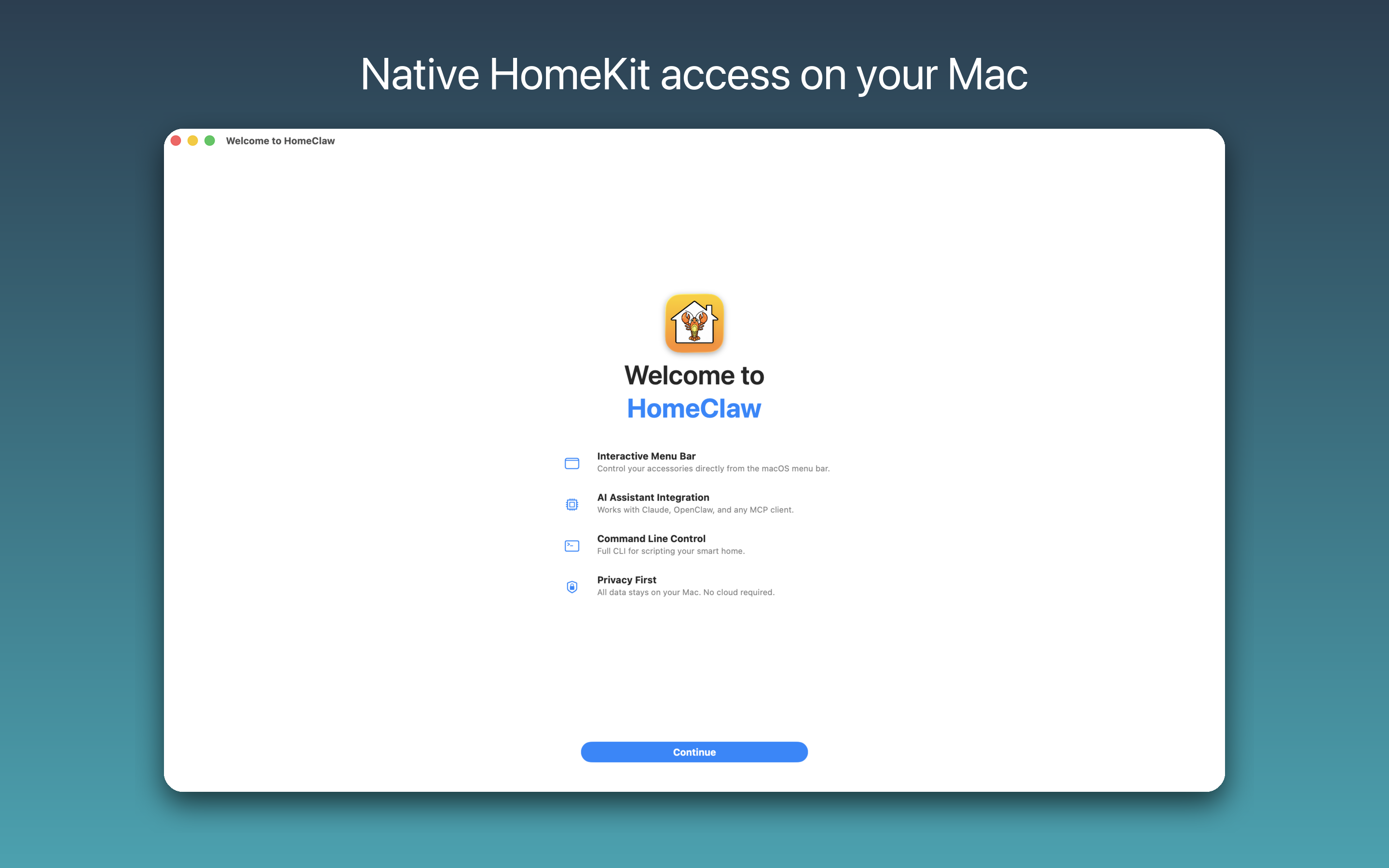
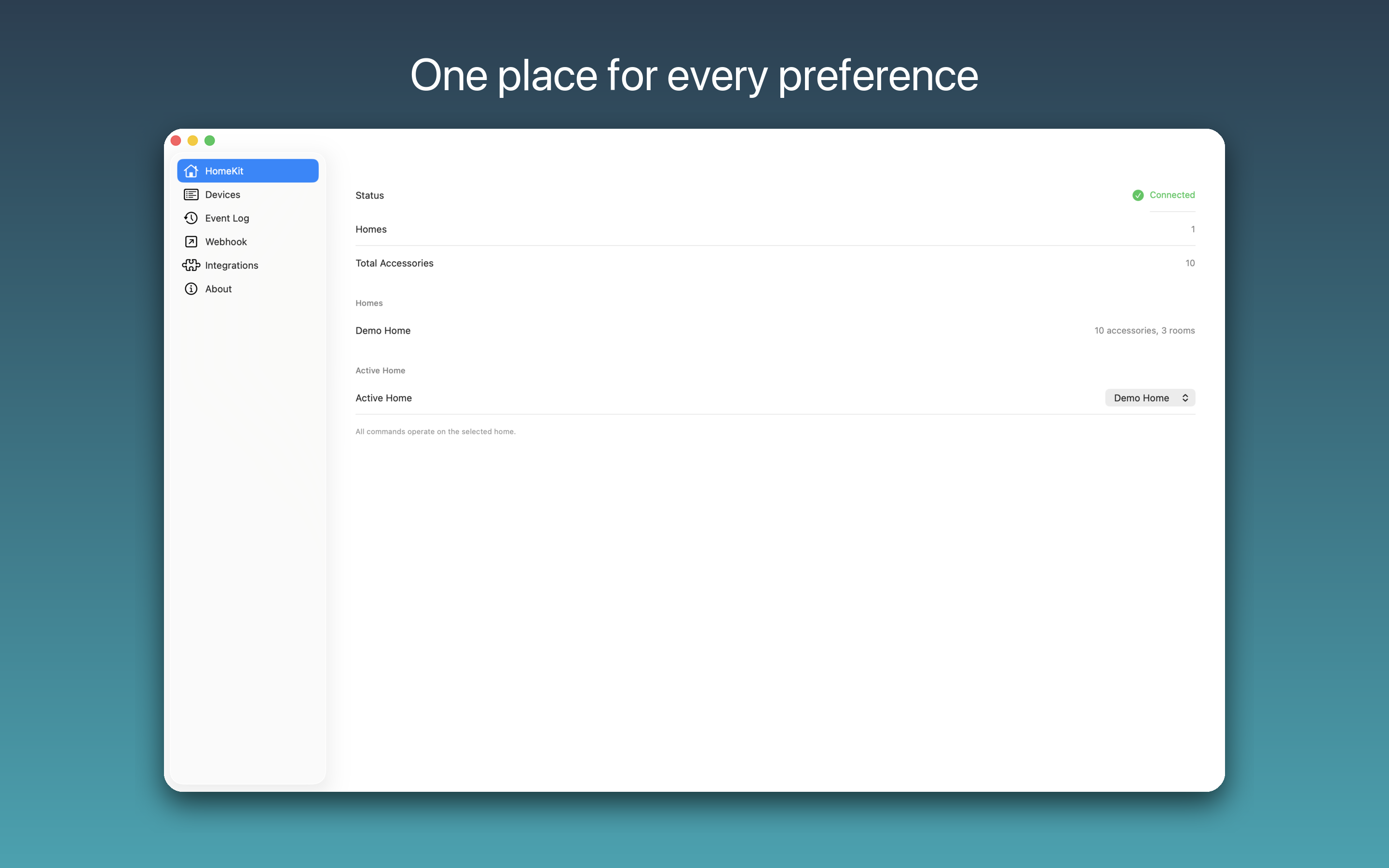
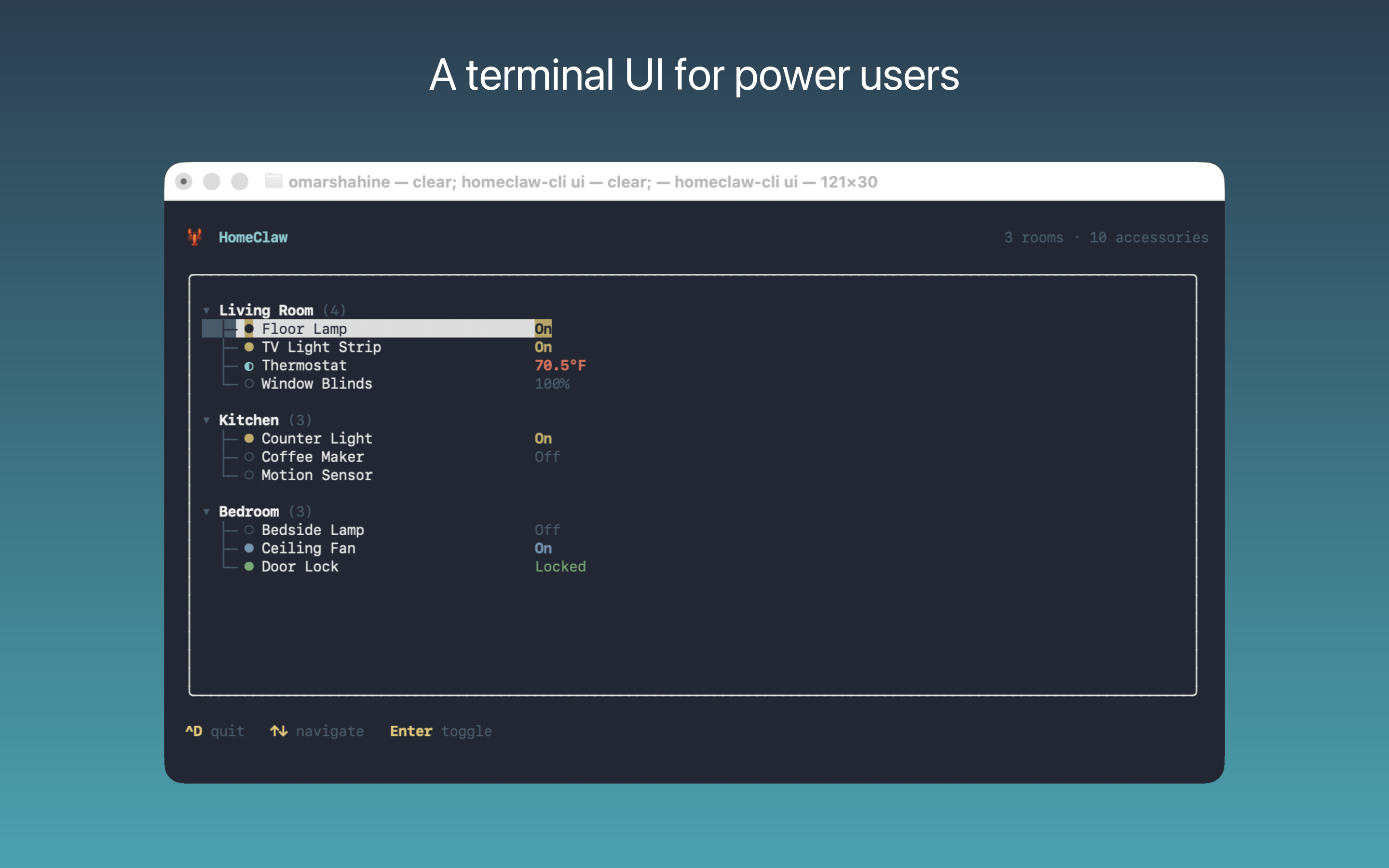
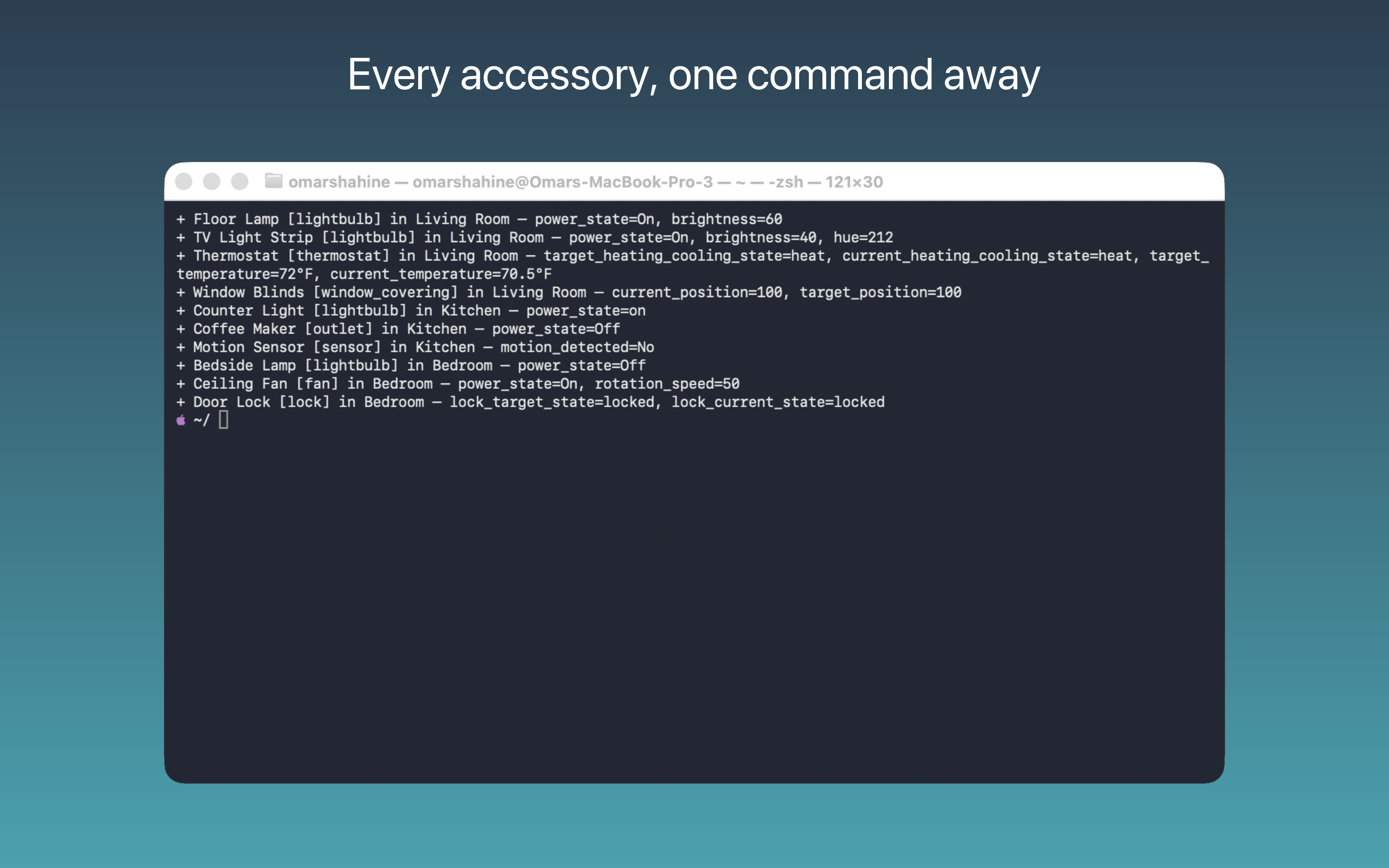
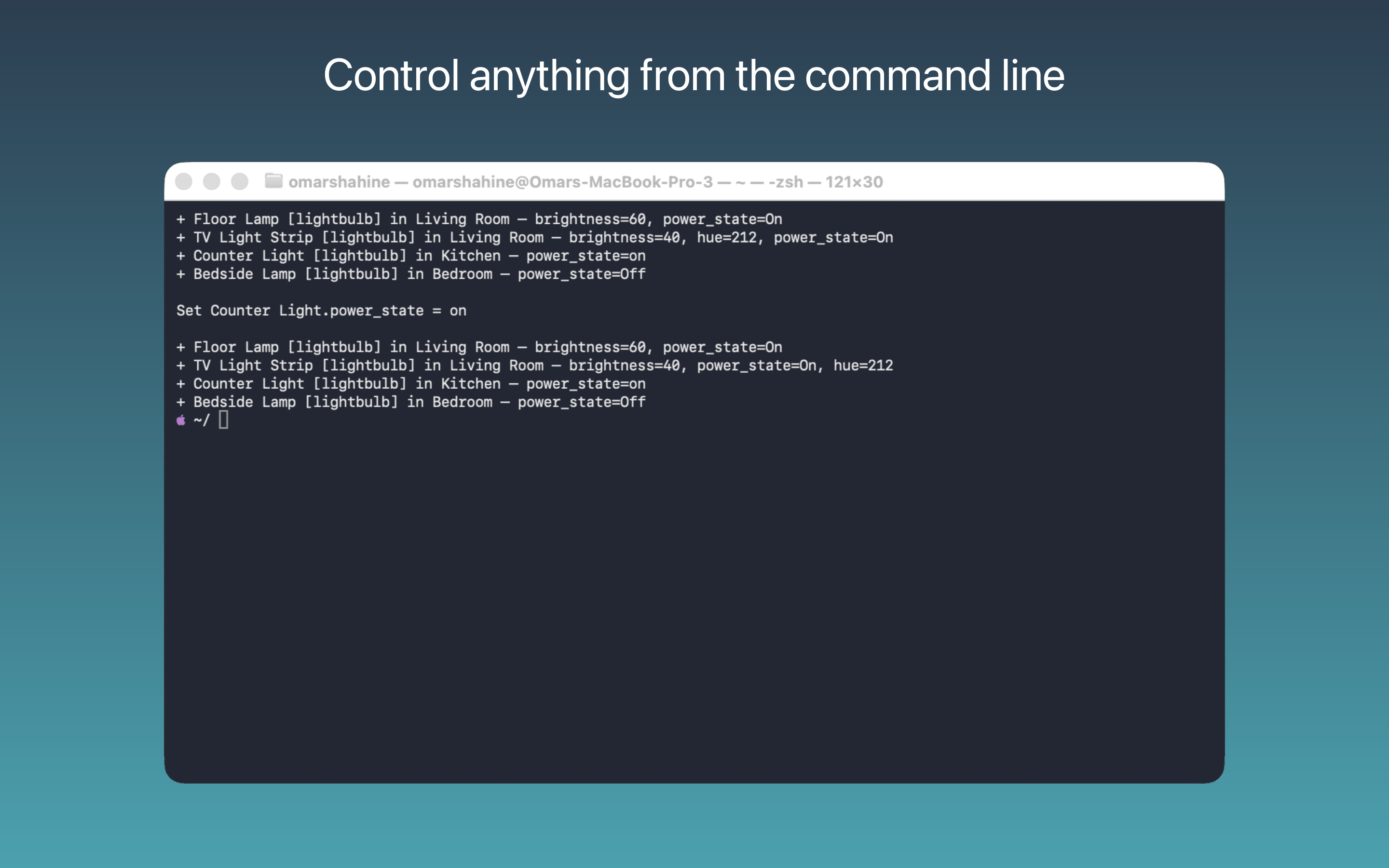
Menu bar, CLI, and terminal UI — all driven by the same socket, all local.
How It Works
Three layers, one Unix socket
Single-process design. Apple's HMHomeManager requires a UIKit/Catalyst app with the HomeKit entitlement. HomeClaw runs as a lightweight menu bar app.
8 Tools, Full Coverage
Consolidated tools with actions, not a tool per operation
Accessories
homekit_accessoriesList, get details, search, or control any HomeKit accessory
Rooms
homekit_roomsBrowse rooms and their accessories
Scenes
homekit_scenesList and trigger HomeKit scenes
Device Map
homekit_device_mapLLM-optimized map with semantic types and aliases
Events
homekit_eventsQuery characteristic changes, scene triggers, control actions
Webhooks
homekit_webhookConfigure, test, and monitor webhook delivery
Config
homekit_configSet active home, device filtering, and preferences
Status
homekit_statusCheck connectivity, home count, and accessory count
Supported Accessories
Quick Start
Install the app, then pick your integration method
# Join the TestFlight beta
https://testflight.apple.com/join/zjSnz8eK


# Or build from source
git clone https://github.com/omarshahine/HomeClaw.git
cd HomeClaw && scripts/build.sh --release --install# Register the marketplace and install
/plugin marketplace add ~/GitHub/HomeClaw
/plugin install homeclaw@homeclaw
# Then just ask Claude:
"Turn off all the lights in the kitchen"
"Set the thermostat to 72"# Install from the bundled app
openclaw plugins install \
"/Applications/HomeClaw.app/Contents/Resources/openclaw/"
openclaw plugins enable homeclaw
# Symlink the CLI into PATH (Apple Silicon)
ln -sf "/Applications/HomeClaw.app/Contents/MacOS/homeclaw-cli" \
/opt/homebrew/bin/homeclaw-cli
# Restart the gateway
openclaw gateway restart# List devices by room
homeclaw-cli list --room "Living Room"
# Control a device
homeclaw-cli set "Bedroom Light" brightness 40
# Trigger a scene
homeclaw-cli trigger "Good Night"